
Etsy is an amazing place to sell digital downloads but it can be hard to figure out the best format and content to include in a listing photo. Maybe you don’t have any physical items to photograph, or you are looking for a way to make your product stand out. This post will share some fresh ideas and best practices for creating Etsy listing photos for digital downloads.
How To Create Etsy Listing Photos For Digital Downloads
Tools To Use
You don’t need a lot to get started creating listing photos!
Here are a few things that are helpful to have:
- You can, of course, use a DSLR camera if you have it but all you really need to take photos is a smartphone and some natural light.
- Unless you are a graphic designer that’s a pro at photoshop, I always recommend people start with Canva. It has a free version and it’s very intuitive.
Recommended Image Dimensions And Format
Etsy changes the sizes of listing photos for different screens, devices and views in the app and on their website. For listing photos, 4:3 is a good size ratio to use. For the most part, this size will look good across different dimensions and sizes. You can read more about image size recommendations here.
Upload photos in PNG format for the best image quality and resolution.
Listing Photo Ideas
Patterns and DIY Products

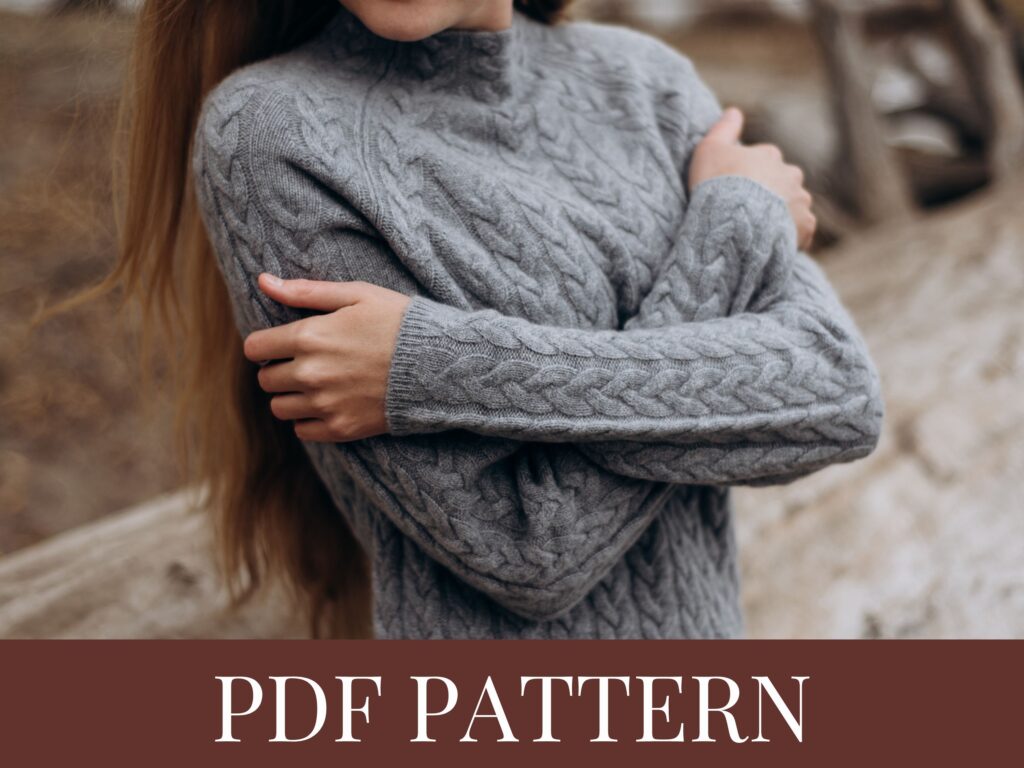
Feature A Photo Of The Finished Product
If a customer will use your digital product to make something, it’s always best to include a photo of the finished product in the main photo. A potential buyer is way more inclined to purchase a listing that clearly shows what they will be able to create.
Finished product photos are ideal for things like sewing, crochet, knitting, and embroidery patterns.
To make it even more clear that the listing is a digital product, you could include part of the pattern or instructions in the photo.
Add A Banner or Text To The Photo
Etsy adds an icon and text to notify customers that the product is a digital download. But sometimes customers will still get confused with what the product really is.
A great way to prevent any confusion is by adding a banner with text to alert customers that this is a digital product, not a physical product.
My favorite way to do this is to place a banner along the top or bottom of the image that says “digital download”, “pdf” or “pdf pattern”.
Photo Ideas For eBooks, Planners, and Worksheets

Create A Mockup
Canva has so many templates and designs you can use for digital products. Start with one of their premade templates or create your own designs.
Here are a few ideas:
- Overlap and display a few pages of an ebook
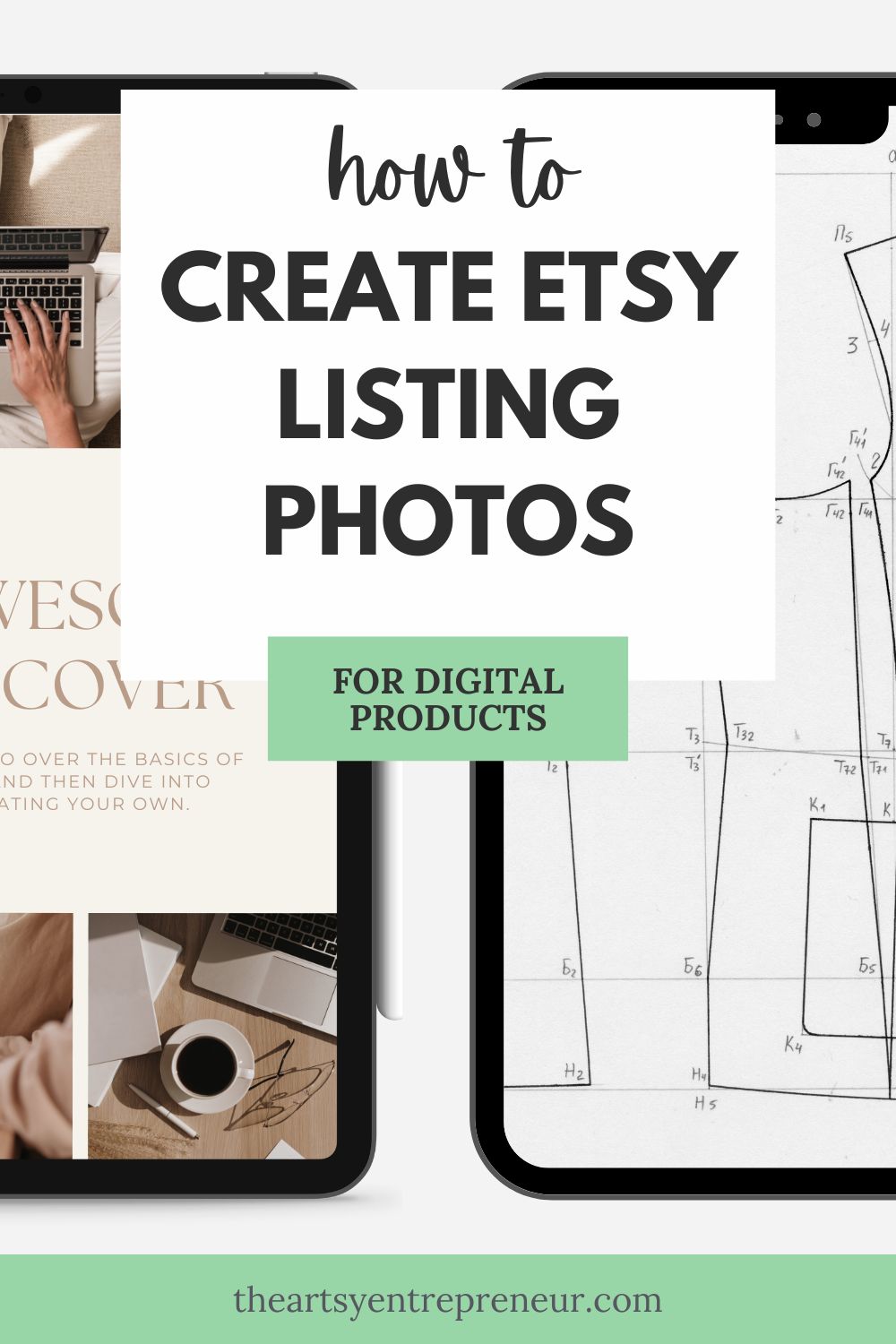
- Place a preview of the product on an iPad or phone screen.
- Place downloadable art in a mockup photo of a frame
- To make it even more clear what the product is, add some text.
Note: This year, Etsy cracked down on print on demand listings that contained mockups instead of actual photos of physical products. However, according to Etsy’s Listing Image Requirements, using a mock up is totally okay for digital products. Just make sure that you are depicting the product exactly how the buyer will receive it!

Here are a few things to keep in mind when you add text to a photo:
- Listing photos are displayed in different sizes and dimensions across Etsy. Make sure that you leave enough white space around the sides of the image to lessen the chances of the text getting cut off.
- You may need to upload and test out a few different font sizes to make sure they are easily readable on different screen sizes.

Watermark The Photo
If you are selling printable art, mockups, or photos, it’s always a good idea to watermark your photos. You don’t want anyone to download your product for free!
An easy way to add a watermark in Canva is by adding some light grey text and placing it across the design. You want the text to be light enough that you can still see the image clearly, but clear enough that it will deter anyone from stealing your work.
How To Test Out Different Photos
The amazing thing with digital products is that they can sell over and over again! This means that you can make multiple Etsy listings for one digital product.
This is an amazing way to test out different photos. Create a copy of a listing and then add a different photo to see how it affects view, sales, and your overall conversion rate.
Once you find listings photos that seem to get a lot of views and sales, you can continue to use that particular format for your photos when you add new products and listings.